
Nano Banana Pro vs Nano Banana 2
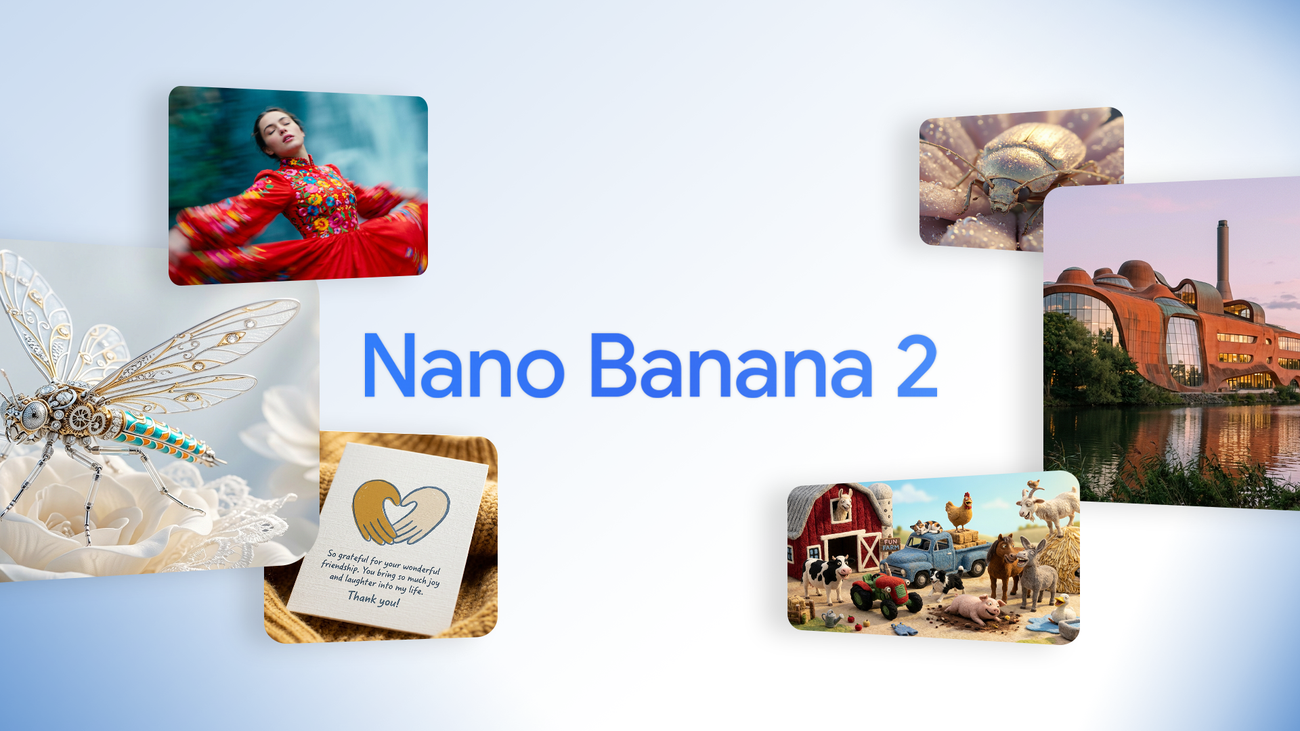
Both come from Google's Gemini family — but they aim at different users. Is Nano Banana Pro (Gemini 3 Pro Image) worth the upgrade over Nano Banana 2 (Gemini 3.1 Flash Image)? This guide breaks down resolution, text rendering, consistency, speed, and cost.
Quick Answer
Short version: Nano Banana 2 is the fast, affordable workhorse for everyday generation and editing. Nano Banana Pro is the professional flagship — native 4K output, studio-grade typography, and multi-image fusion for scenes that hold up in production.
If you're a casual creator posting to social media, Nano Banana 2 covers 90% of your needs at a fraction of the cost. If you produce marketing assets, product shots, or print-ready visuals, Nano Banana Pro's jump in fidelity and text accuracy pays for itself. You can try Nano Banana Pro free with daily check-in credits on this site.
Specs at a Glance
| Feature | Nano Banana Pro | Nano Banana 2 |
|---|---|---|
| Underlying Model | Gemini 3 Pro Image | Gemini 3.1 Flash Image |
| Max Native Resolution | 4K (with 1K/2K/4K options) | 1K–2K |
| Text Rendering | Studio-grade, small text legible | Good, occasional errors |
| Reference Images | Up to 14 images for fusion | Smaller set of references |
| Generation Speed | Slower (higher fidelity) | Very fast (~seconds) |
| Relative Cost | Higher | Lower |
| Best For | Pro production, print, branding | Social content, rapid iteration |
Image Quality & Resolution
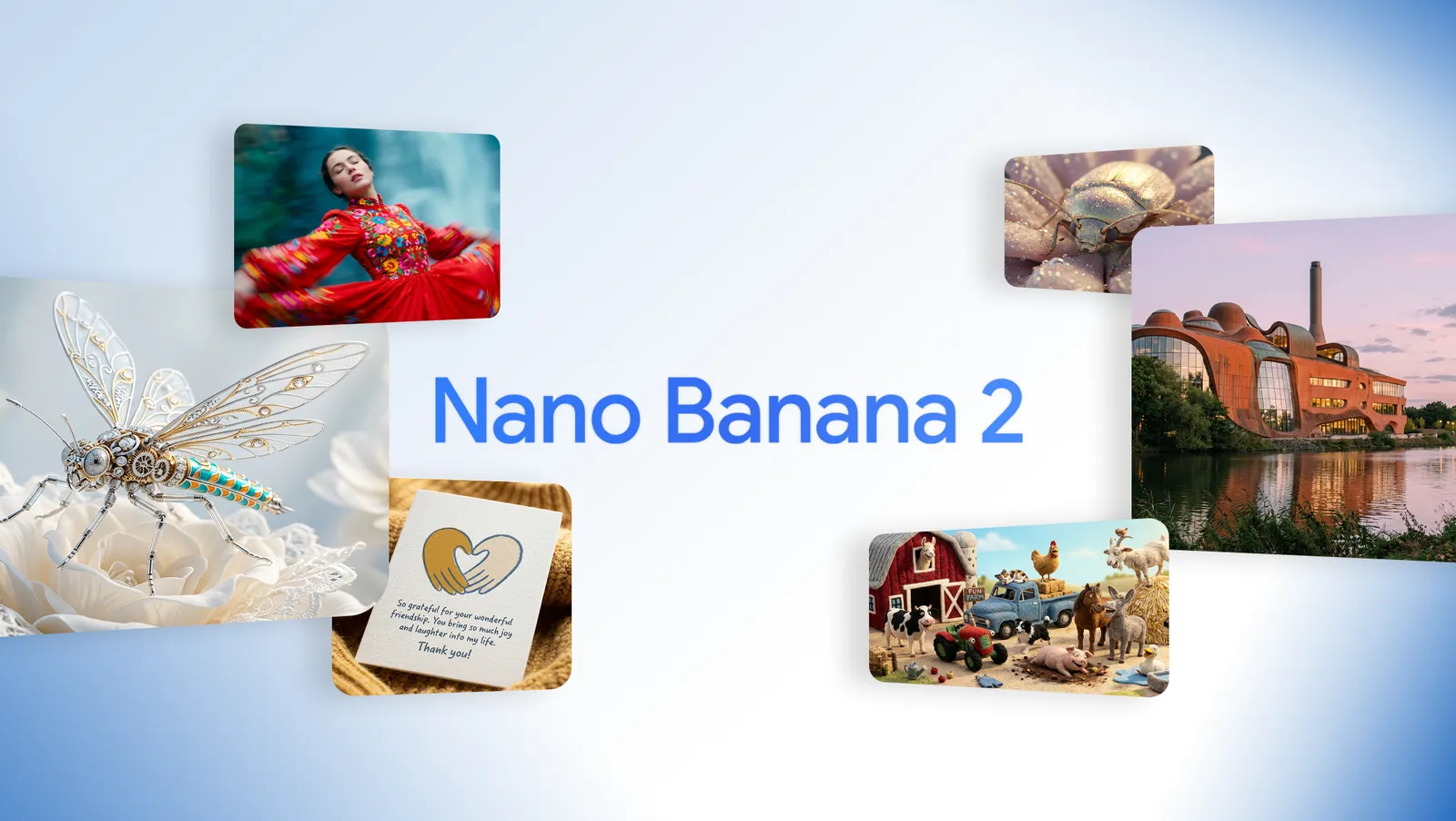
Nano Banana Pro renders natively at up to 4K, which means details survive cropping, zooming, and print workflows without upscaling. Its cinematic lighting, accurate physics, and clean micro-details (skin texture, fabric weave, reflections) place it among the top image models on public leaderboards.
Nano Banana 2 tops out around 2K, but its output is still impressively clean and "commercial-ready" for web use. For thumbnails, social posts, and quick concepting, the difference is barely visible on a phone screen.
The gap shows up when you push the image: heavy crops, large-format prints, professional product photography, or scenes with dense small elements. That's where Pro's extra resolution and world knowledge keep artifacts away.
Text Rendering
Nano Banana Pro
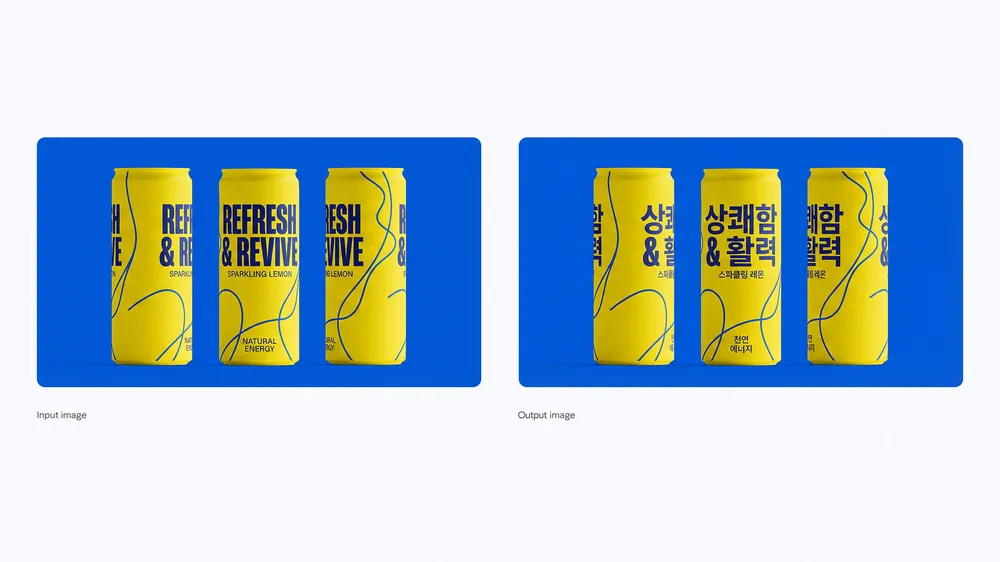
Typographic accuracy is its headline feature. Posters, infographics, UI mockups, storefront signage — even long strings of small text render legibly with correct spelling. Designers use it as a layout generator, not just an image generator.
Nano Banana 2
Handles headlines and short phrases well, but longer or smaller text can drift into misspellings. For word-heavy visuals, expect a few retries — or switch to Pro.
Character Consistency & Multi-Image Fusion
Both models support reference-image editing, but Nano Banana Pro accepts up to 14 input images and can fuse people, objects, and scenes into one coherent composition while preserving each subject's identity. This is what makes storyboards, brand mascots, and multi-character scenes practical without manual compositing.
Nano Banana 2 keeps a single subject consistent across edits reliably, but complex multi-subject fusion is where it starts to blend features or lose small details.
Speed & Price
Built on the lightweight Flash architecture, Nano Banana 2 generates in seconds and costs a fraction of Pro per image — ideal for high-volume iteration. Nano Banana Pro trades speed for fidelity: each 4K render takes noticeably longer and costs more per generation.
A practical workflow many creators use: concept and iterate in Nano Banana 2, then re-render the final shot in Pro at 4K. For exact costs on this site, see the pricing page — credit packs start small and there's no subscription required.
The Final Verdict
Same family, different missions. Pick the one that matches your output, not the hype.
Use Nano Banana Pro for:
Print-ready 4K assets, text-heavy designs, multi-subject fusion, product photography, and client deliverables.
Use Nano Banana 2 for:
Social media content, memes, rapid concepting, photo edits, and high-volume production on a budget.